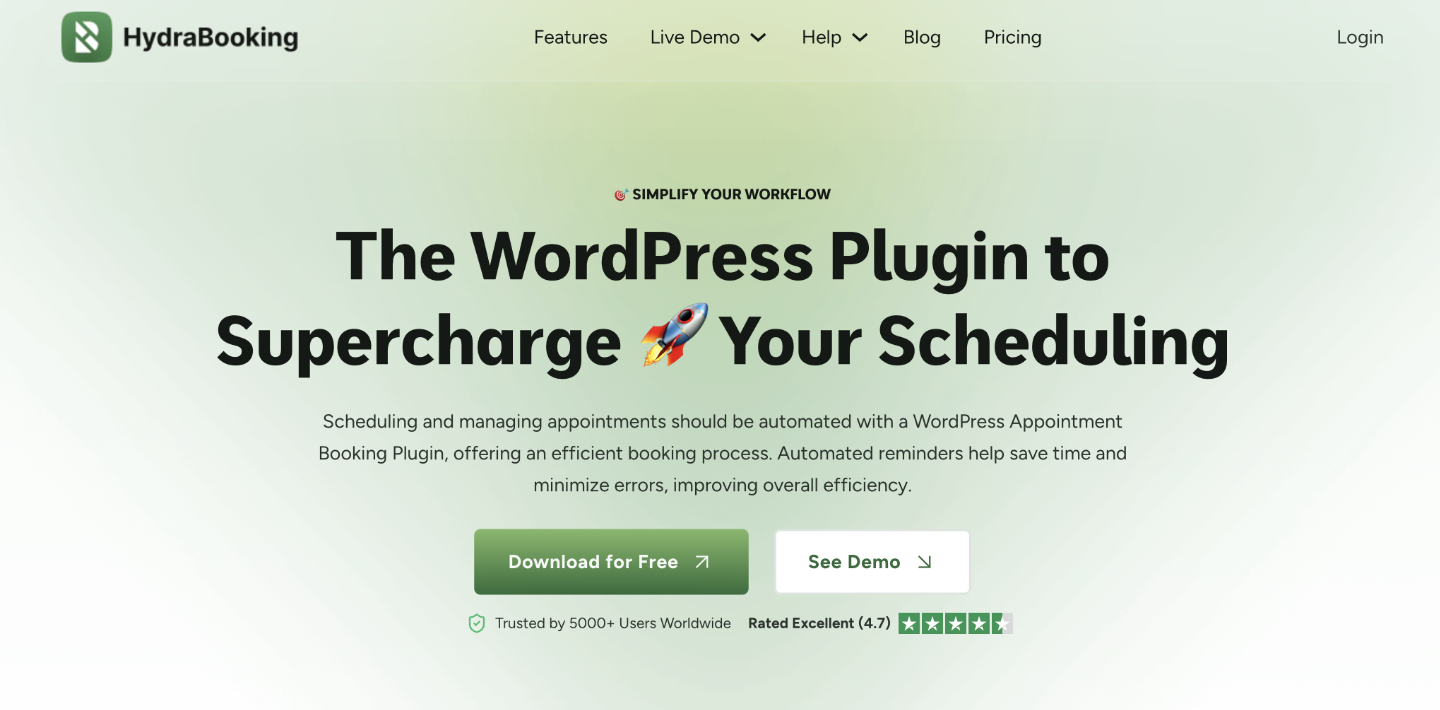
The digital age demands seamless online interaction, and for businesses in the hospitality and service sectors, mastering online booking is non-negotiable. If you run your operations on a robust platform like WordPress, finding a dedicated, reliable reservation tool is critical for growth.
Enter Hydrabooking. This powerful booking plugin has become the go-to solution for thousands of active installations, streamlining the reservation process and turning website visitors into paying customers.
Hydrabooking: Features That Drive Business Growth

Hydrabooking is designed to tackle complexity, ensuring your customers enjoy a frictionless experience. Its core functionality includes essential features like real-time availability management, which drastically reduces manual booking errors and increases operational efficiency.
You gain full control with customizable booking forms, multi-language support, and powerful payment integrations. This focus on improving customer experience (CX) and operational efficiency directly translates into a boost in online reservations and higher revenue.
Setting up Hydrabooking is straightforward. Installation is handled easily via the WordPress Plugin Repository. After installation, you can quickly configure system settings and integrate the booking interface seamlessly with your existing theme.
Ensuring Security in the Booking Ecosystem
While maximizing reservations is key, protecting your customer data and website integrity is paramount. Running any popular plugin on WordPress, including Hydrabooking, means you must remain vigilant against potential cyberattacks and unpatched vulnerabilities.
Every business running mission-critical plugins needs a strong WordPress security posture. Monitoring for a current WordPress vulnerability report is crucial to identify risks like potential Cross Site Scripting (XSS) vulnerability or Broken Access Control issues often found in vulnerable plugins or themes.
To proactively defend against threats tagged with a CVE identifier, especially those marked as critical severity or high severity, tools like Solid Security Pro or monitoring services like Patchstack provide essential virtual patches and robust website firewalls.
Keeping your WordPress core and all components updated is your first line of defense against suffering a major security release failure or, worse, getting hacked. Hydrabooking’s robust design allows you to focus on reservations while implementing these necessary security updates and practices.
Overview of Hydrabooking: The Scheduling Powerhouse

The core of any successful service or hospitality operation is flawless appointment management. When you choose to run your business on WordPress, you need a powerful, dedicated solution, and that is where Hydrabooking shines.
Hydrabooking is a highly popular booking plugin built specifically for the WordPress ecosystem. It boasts thousands of active installations, confirming its reliability across diverse service industries. This popularity is crucial; opting for a widely adopted, well-maintained plugin minimizes the risk of dealing with vulnerable plugins that could lead to a serious security release.
This robust system is designed to streamline your scheduling, drastically reduce manual errors, and elevate the overall customer booking experience. It functions as an all-in-one management tool, ensuring you never miss a client or suffer the embarrassment of double-booking a resource.
When discussing digital operations, the security of your platform is paramount. Choosing a reliable tool like Hydrabooking, which receives regular security updates, is a proactive step away from the threats posed by unpatched vulnerabilities often detailed in a Vulnerability Report.
Core Features Driving Operational Efficiency
What elevates Hydrabooking above standard scheduling tools? It is the dedicated, powerful core functionality built specifically for the demanding WordPress ecosystem.
The foundation of this popularity is real-time availability management. Customers instantly see exactly what is open right now, eliminating the conflicts and frustrating cancellations that often plague traditional scheduling systems.
This critical feature immediately reduces manual booking errors and ensures accuracy, proving why thousands of active installations rely on this robust WordPress booking plugin.
Seamless Financial Transactions and Integration Capabilities
Running a successful service business means securing payments efficiently. Hydrabooking supports multiple payment integrations to streamline your checkout process.
You can easily accept payments via major gateways like PayPal and Stripe, ensuring immediate confirmation and a smooth financial transaction for your customers.
Crucially, Hydrabooking integrates seamlessly with WooCommerce. If you already run a WordPress online store, you can integrate booking services directly into your established e-commerce platform, managing both products and appointments from a single dashboard.
Customization and Enhanced Customer Experience
Hydrabooking focuses intensely on improving the customer experience. You are given the tools to tailor the booking journey completely.
This includes access to customizable booking forms that can be designed to gather the precise client information required for your specific service. Customization extends to multi-language support, enabling you to serve a broader, international audience and maximize your reach.
By offering a polished, error-free booking process, Hydrabooking significantly boosts your online reservations, increasing operational efficiency and resulting in higher revenue without requiring extra staff overhead. These strong features, from real-time management to seamless integrations, work together to deliver the improved customer experience and reduced manual errors noted by satisfied users.
Setup and Integration: Getting Started Fast
The process of implementing Hydrabooking is remarkably straightforward. You do not need deep technical knowledge to get started, ensuring you can deploy the system quickly.
Simple Installation Process
Hydrabooking is designed specifically for the WordPress ecosystem. Installation involves the standard steps: locating the plugin via the WordPress Plugin Repository, installing it, and activating it.
Once active, the configuration phase begins immediately. You will use the intuitive, user-friendly interface to define your services, staff availability, and pricing structures.
Integration with your existing WordPress theme is generally seamless, ensuring brand consistency across your entire website design and improving the overall user experience.
Deep Customization Options
Hydrabooking understands that professional presentation and branding are critical for building trust. It provides extensive customizable templates for every customer touchpoint.
You can adjust the look and feel of your booking forms, confirmation pages, and automated email notifications. The interface styling can be matched perfectly to your existing business branding requirements, ensuring a cohesive and trustworthy presentation for every client interaction.
Powerful Integration Capabilities
Operational efficiency relies on connecting your tools effectively. Hydrabooking excels in integration, minimizing the need for manual data transfer.
Critical functionality includes automatic syncing with Google Calendar. This is essential for managing personal schedules alongside business appointments, preventing conflicts and improving real-time availability accuracy. Furthermore, Hydrabooking integrates easily with popular payment gateways, allowing you to process transactions smoothly and securely.
Conclusion
Hydrabooking is not just another scheduling tool; it is a powerful, feature-rich solution tailored for modern service businesses built right on the flexible WordPress platform.
With thousands of active installations, this popular booking plugin offers engaging features essential for hospitality and service industries aiming to maximize their online reservations.